

Some of my favorite projects in the past year….
Although it was never one of my most viewed videos, for not being related to Y2K or Apple Tech, it was still one of my favorites. This was the first project of mine to be edited with an entirely new (to me) editing software, Final Cut Pro. This video went over the process of initial drafting to the screening for the first film I worked on, Should’ve Gone Left.
This video was one of the rare opportunities where I could go back and fix some of the mistakes I made, and produce a “definitive edition” for a previous very popular video, which garnered more than 150,0000 views in a span of a few days. Although this video didn’t perform as well, sitting at a small 10,000 views, I take pride in this video for having a better flow and narrative within, and addressing mistakes I made in the previous one.
This was a video I made as a one-off, intending it to be a “filler” video because another project was taking longer than expected. I uploaded it and didn’t think much of it until the next morning when I saw it had garnered over 60,0000 veiws, and in retrospect, has become one of my favorites for the laid back style and calm editing/motion graphics.
QuickTime was a very widely used video format on Windows and Mac systems worldwide from the 1990s to the late 2000s. Of course had to make a video on it. The whole production took about a week and is one of my longer videos, sitting at 19 minutes. Despite the research needed, audio recordings, and thousands of keyframes, I was able to get it done before my self-imposed deadline of a week. The hard work paid off, and it went semi-viral at 36,000+ views and is still counting

The Process…
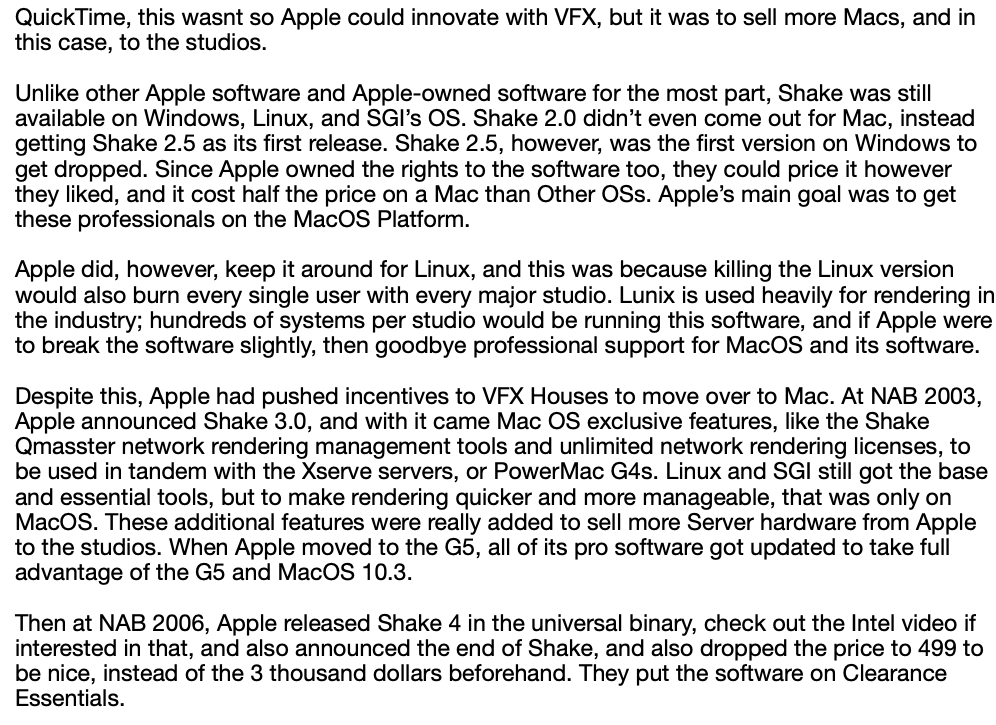
The video can’t begin without some form of writing. I go through several drafts, fact-checking each one, and only settle on a final version after stepping away from the project until the next day. Once I’ve given it a final proofread to make sure it reads well, I’m ready to move on to the next stage of the process.
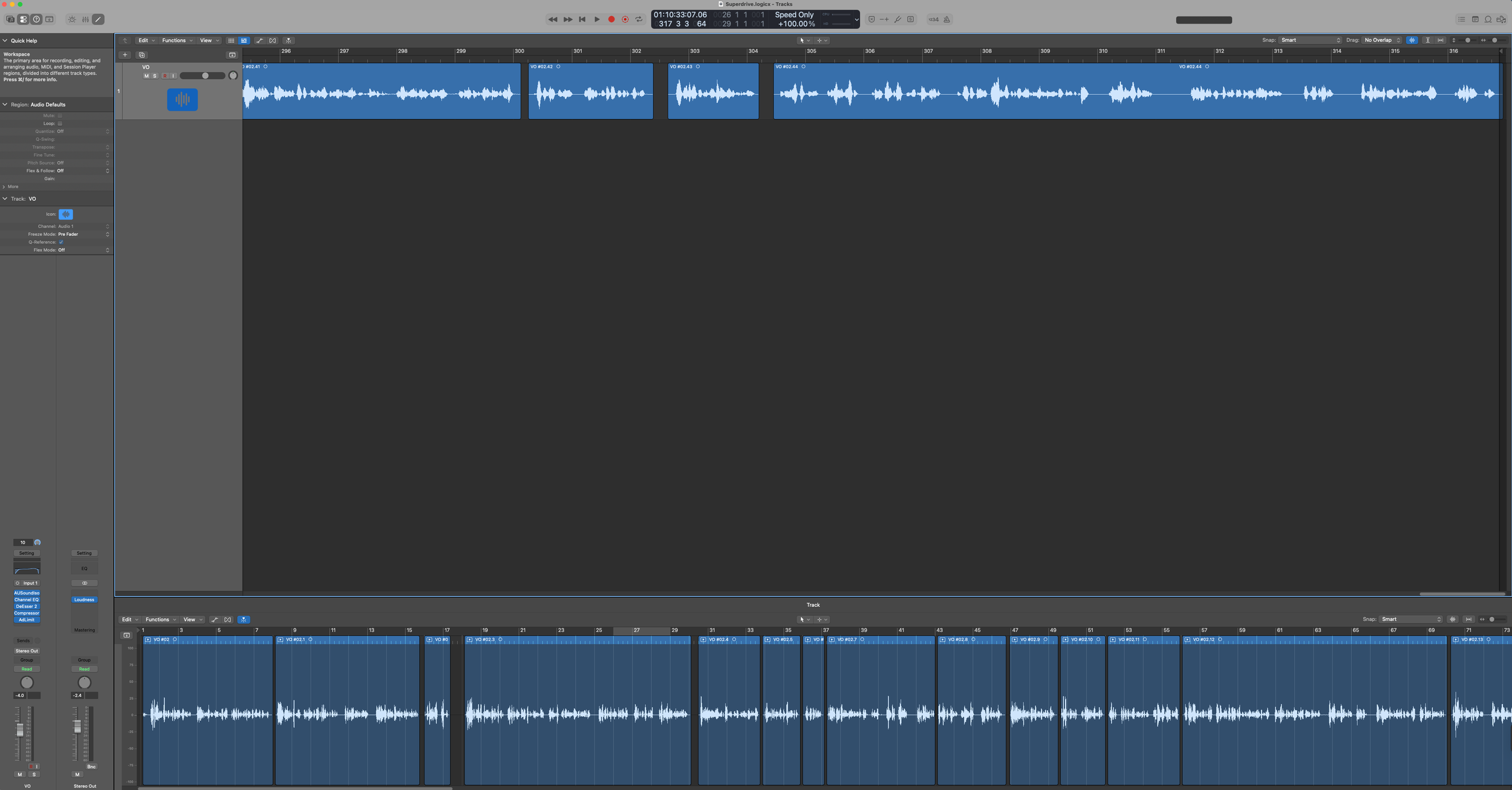
The next step in the process is recording the voice-over and editing. I’ve developed my own methods to keep this stage running as smoothly as possible, such as saving templates in Logic Pro so everything stays seamless and efficient. When I’m editing the audio for my peers, these templates work just as well, with only slight tweaks needed to get the best possible sound quality from their microphones.
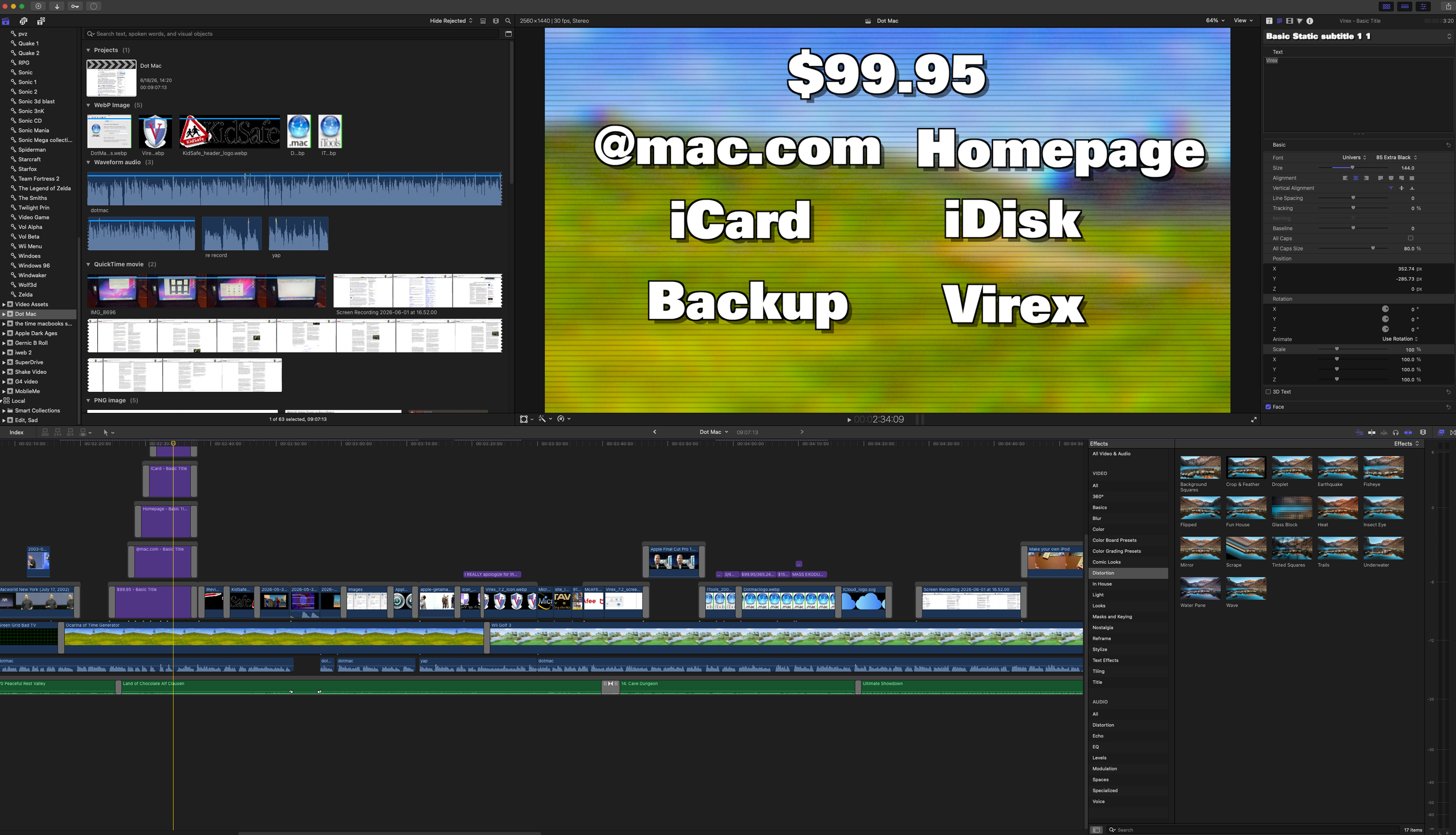
My favorite part of the process is editing. It’s where I can bring all the moving parts of a project together into one cohesive experience for the viewer. I’ve been making videos for years and have been watching what others in my space have been doing online for over a decade. I enjoy editing in any software and usually pick up the ins and outs quickly, but Final Cut Pro has been my favorite since the start of 2026. Its deep integration with other Apple creative apps, like Apple Motion, not only speeds up my workflow but also makes the entire editing process far more enjoyable.
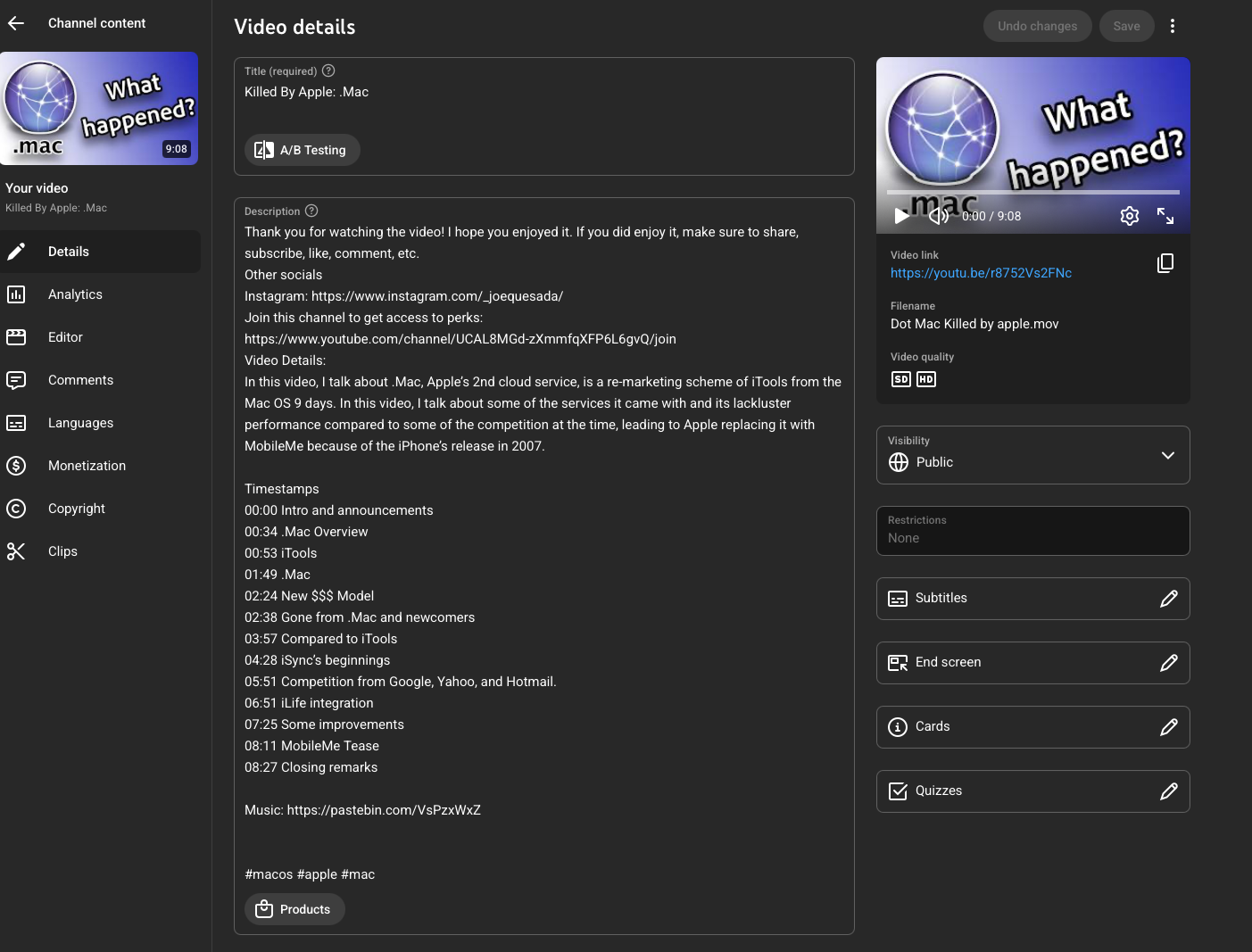
The final step in the process is designing the thumbnail and uploading the video to YouTube. This is where keeping track of the video during editing really pays off, since I add timestamps in the description so viewers can easily jump to the sections they’re interested in. After making the video available to channel members for 12 to 24 hours, I publish it publicly and wait for the results. As soon as it’s live, I start working on the next one.